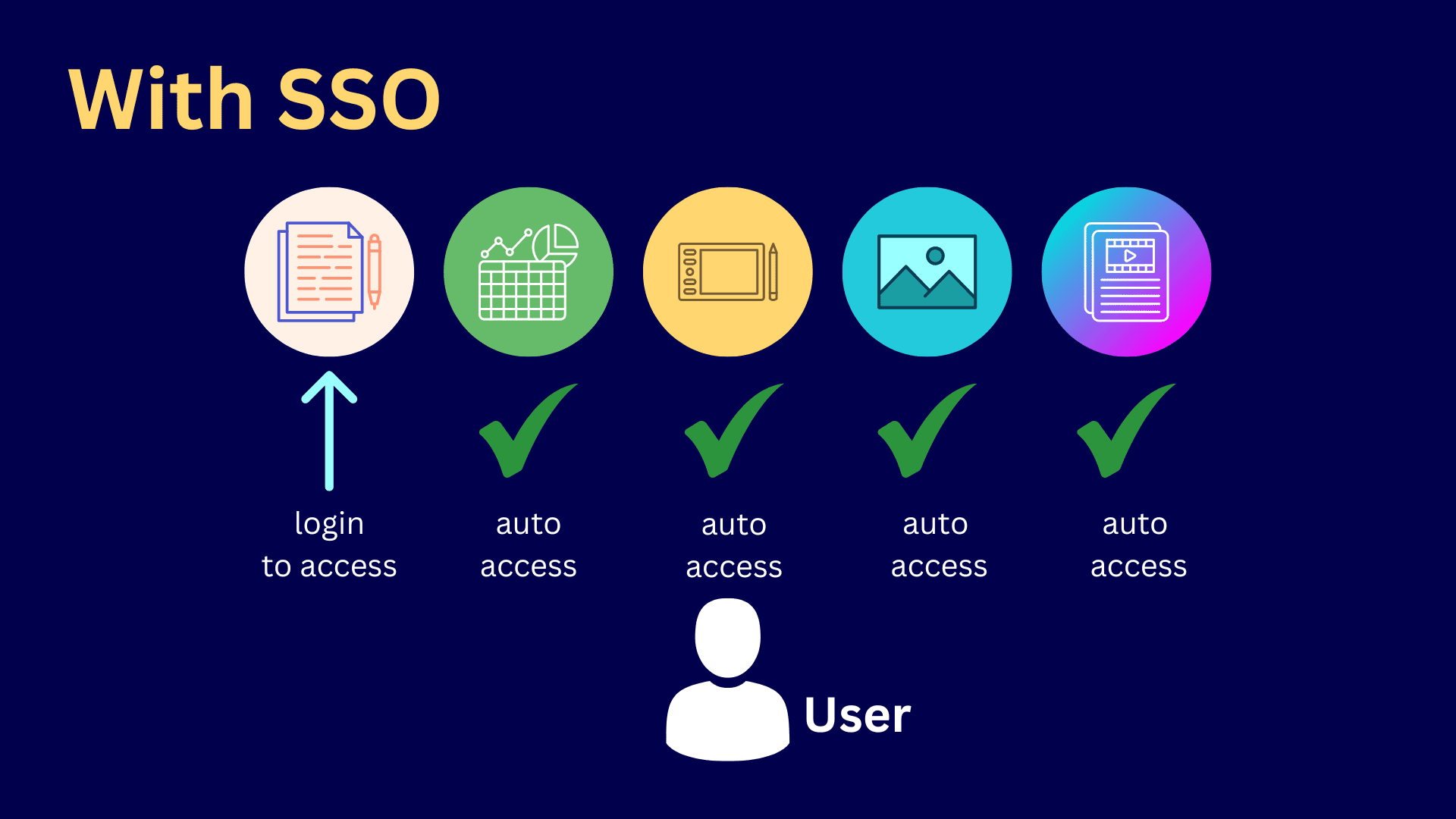
Single Sign-On (SSO) is an authentication mechanism that allows users to securely access multiple distinct applications and websites with one set of credentials, such as a single username and password. By centralizing authentication, SSO eliminates the need for users to remember numerous passwords while giving IT administrators centralized control over user access, identity verification, and enterprise-wide security policies.
The Core Mechanics of Single Sign-On
To appreciate the comprehensive benefits of Single Sign-On, it is essential to understand how the architecture operates beneath the surface. Traditional authentication requires a user to prove their identity to every individual application they access. Each application maintains its own user database, password hashing algorithms, and session management logic. This decentralized model fragments identity management across an organization's entire digital footprint.
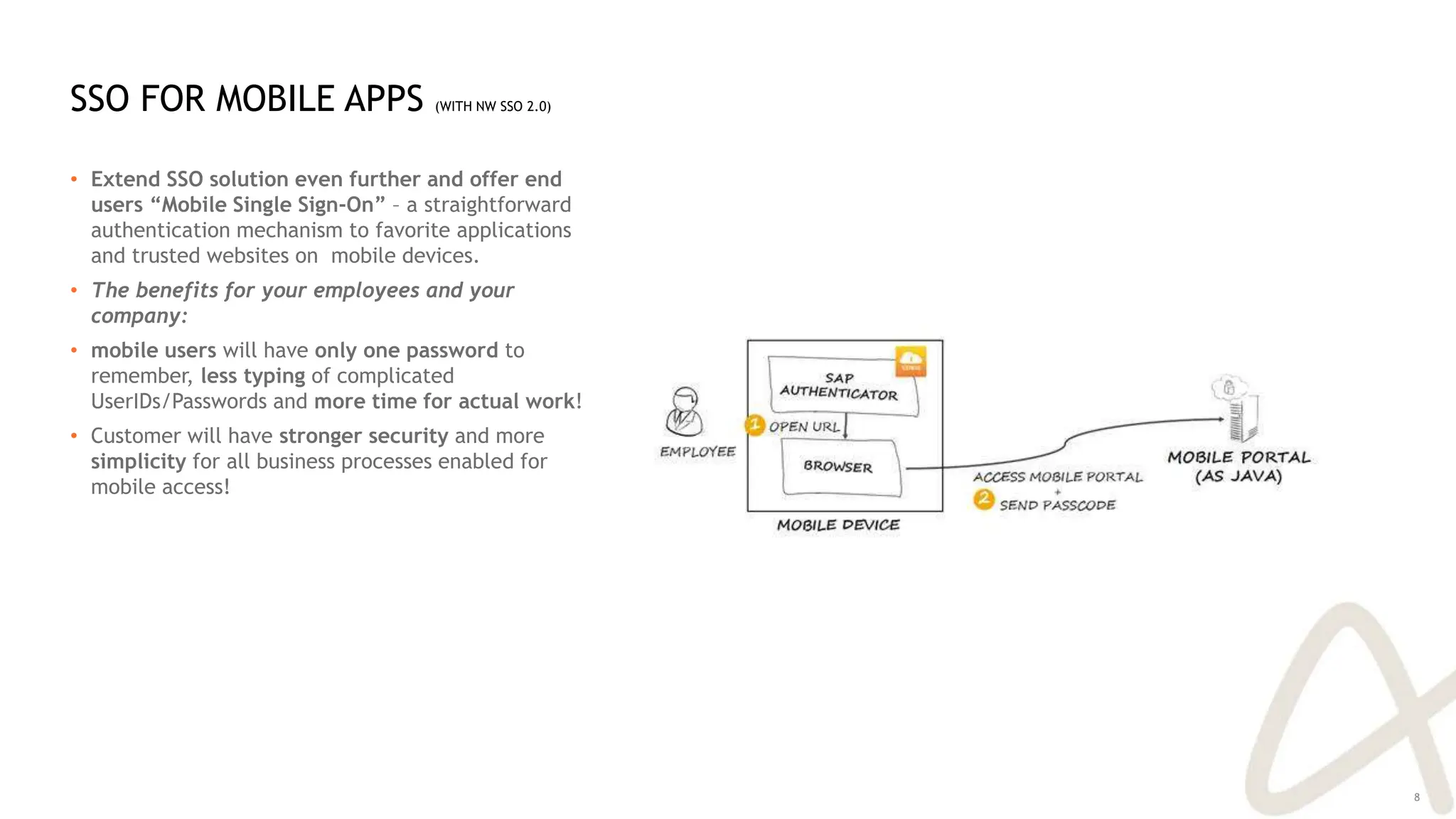
In contrast, SSO decouples authentication from the target applications through a centralized identity provider (IdP). When a user attempts to log into a connected application (often referred to as a service provider), the application redirects the user to the IdP. The IdP verifies the user's identity—often leveraging multi-factor authentication (MFA)—and issues a secure cryptographic token or assertion back to the application.
Standard protocols driving modern SSO implementations include:
- SAML (Security Assertion Markup Language): An XML-based open standard widely utilized in enterprise software-as-a-service (SaaS) environments for exchanging authentication and authorization data.
- OIDC (OpenID Connect): A lightweight, JSON-based identity layer built on top of the OAuth 2.0 protocol, heavily favored for mobile applications, single-page web apps, and modern API-driven architectures.
- OAuth 2.0: Primarily an authorization framework rather than an authentication protocol, though frequently paired with OIDC to grant applications limited access to user resources.
Primary Security Benefits of SSO
Security is frequently the primary driver for organizations transitioning to an SSO environment. While convenience is the most visible outcome, the architectural improvements to an enterprise's defense posture are profound.
Mitigation of Credential Fatigue and Poor Password Habits
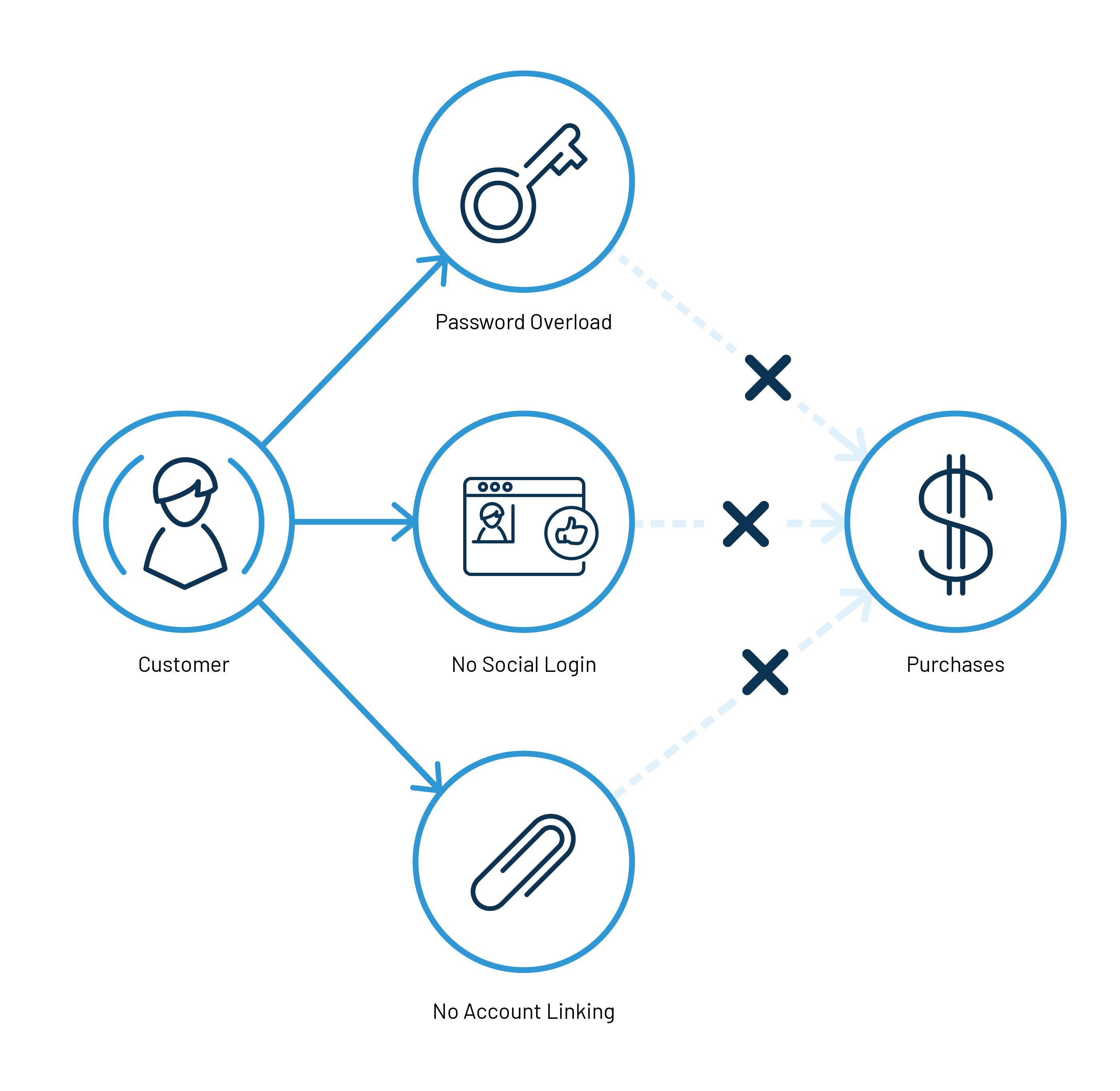
When employees must manage dozens of distinct application credentials, they inevitably resort to insecure behaviors. These include reusing the same password across multiple systems, writing passwords on sticky notes, or storing them in unencrypted local text files. SSO minimizes credential fatigue by reducing the burden to a single, highly protected set of credentials. Because users only have to remember one password, they are far more capable of generating and retaining a strong, complex passphrase.
Centralized Access Control and Rapid Offboarding
In non-SSO environments, offboarding an employee requires an administrator to manually deactivate accounts across dozens of disparate platforms, increasing the risk that a forgotten legacy application remains active. With SSO, access is controlled from a single directory service, such as Microsoft Entra ID (formerly Azure AD), Okta, or Ping Identity. When an employee leaves the organization or changes roles, disabling their central account instantly revokes access to all integrated applications, closing potential security gaps.
Streamlined Multi-Factor Authentication (MFA) Enforcement
Implementing MFA across twenty independent applications is a logistical challenge fraught with inconsistent user experiences and configuration errors. SSO centralizes MFA enforcement at the identity provider level. Once a user authenticates with MFA during their initial sign-in session, they gain access to all authorized downstream applications. This ensures 100% MFA coverage without forcing users to complete redundant verification prompts for every individual tool they open throughout the workday.
Operational and Financial Advantages for Enterprises
Beyond security enhancements, SSO delivers quantifiable operational efficiencies that directly impact an organization’s bottom line, productivity metrics, and IT support overhead.
Reduction in Help Desk Ticket Volume
Password reset requests are among the most common and resource-intensive tickets handled by corporate IT help desks. Industry studies frequently suggest that a significant percentage of help desk inquiries relate to forgotten passwords or locked accounts. Centralizing authentication through SSO drastically cuts these inquiries. When users only manage one password, reset frequency plummets, and self-service password reset (SSPR) mechanisms at the IdP level resolve issues autonomously without human intervention.
Measurable Gains in Employee Productivity
Time spent navigating login screens, recovering lost passwords, and re-authenticating across multiple browser tabs accumulates into substantial lost productivity over an enterprise workforce. SSO streamlines this workflow via session persistence. Once authenticated, users navigate seamlessly between project management tools, customer relationship management (CRM) platforms, and communication suites without interruption.
Simplified Compliance and Auditing
Regulatory frameworks—such as the Health Insurance Portability and Accountability Act (HIPAA), the Payment Card Industry Data Security Standard (PCI-DSS), and the General Data Protection Regulation (GDPR)—mandate strict access controls and audit trails. SSO simplifies compliance by consolidating access logs into a single centralized repository. Security teams can easily generate comprehensive audit reports showing who accessed what resource, when, and from what location, satisfying regulatory mandates with minimal friction.
Comparison of Authentication Models
To contextualize the value of SSO, it is helpful to evaluate how it compares against traditional standalone authentication and older directory-only approaches.
| Authentication Model | Centralized Management | Password Fatigue | MFA Integration Complexity | Offboarding Efficiency |
|---|---|---|---|---|
| Standalone Credentials | None (Siloed per app) | Extremely High | High (Requires individual setup) | Low (Manual removal per app) |
| Legacy Directory (LDAP/Active Directory) | Moderate (On-premises network) | Moderate | Moderate | Moderate (Dependent on network sync) |
| Modern Cloud SSO | High (Cloud-native IdP) | Very Low | Low (Centralized enforcement) | High (Instant global revocation) |
Potential Risks, Limitations, and Mitigation Strategies
While the benefits of SSO are extensive, organizations must understand the inherent risks associated with centralizing authentication and implement proper architectural safeguards.
The Single Point of Failure (SPOF) Risk
The most prominent risk of SSO is that it creates a single point of failure. If the central identity provider experiences an outage, or if a malicious actor successfully compromises a primary administrator account, the entire organization's digital infrastructure can be disrupted or compromised simultaneously.
Mitigation Strategies:
- High Availability Architecture: Utilize cloud-based IdPs with robust Service Level Agreements (SLAs), geographic redundancy, and failover capabilities.
- Emergency Break-Glass Accounts: Maintain strictly monitored, highly secured offline administrator accounts that bypass standard SSO pipelines for use during catastrophic IdP failures.
The Impact of Credential Compromise
Conversely, if an attacker successfully executes a credential theft attack—such as phishing or adversary-in-the-middle (AitM) techniques—against a user's SSO login, the attacker gains lateral movement across every integrated application tied to that identity.
Mitigation Strategies:
- Phishing-Resistant MFA: Deploy hardware-based security keys (FIDO2/WebAuthn) or certificate-based authentication that cannot be bypassed by standard adversary-in-the-middle phishing kits.
- Continuous Access Evaluation (CAE): Implement real-time policy evaluation protocols that can revoke active sessions immediately if anomalous behavior, impossible travel, or device posture changes are detected.
Implementation Best Practices for IT Teams
Successfully deploying SSO requires careful planning, stakeholder alignment, and a phased rollout to avoid operational disruption. Organizations embarking on an SSO journey should adhere to established deployment frameworks:
- Discovery and Inventory: Catalog all existing applications, software licenses, and authentication methods currently in use across departments. Identify legacy applications that do not natively support SAML or OIDC and determine if they require middleware or secure proxies.
- Identity Source of Truth Consolidation: Ensure that your primary directory service (such as cloud directory or hybrid Active Directory) is clean, accurate, and properly structured with correct user attributes and group memberships.
- Pilot Program Rollout: Initiate SSO deployment with a single, tech-savvy department or non-critical applications to test federation workflows, identify edge cases, and refine user support documentation.
- Gradual Expansion and Policy Tuning: Systematically onboard high-impact enterprise applications (email, HR systems, ERP platforms) while tightening conditional access policies based on device trust, network location, and user risk scores.
- Ongoing User Education: Train employees on how to recognize sophisticated phishing campaigns targeting their primary SSO credentials, emphasizing that a single sign-on portal is a high-value target for threat actors.
Frequently Asked Questions About SSO
What is the difference between SSO and Multi-Factor Authentication (MFA)?
SSO is a mechanism that allows users to access multiple applications using one set of login credentials, whereas MFA is a security process requiring a user to provide two or more verification factors to prove their identity. They are not mutually exclusive; modern enterprise security models combine SSO with MFA, requiring MFA at the initial SSO sign-in gate.
Does SSO mean if my password is stolen, hackers can access everything?
Potentially, yes—if your organization relies solely on a single password for SSO. However, when SSO is properly configured alongside modern, phishing-resistant multi-factor authentication and conditional access policies, stealing a password alone is insufficient for an attacker to gain entry.
Can legacy or custom-built applications use modern SSO?
Many legacy applications were designed for local database authentication and do not natively support protocols like SAML or OIDC. Organizations can often integrate these legacy systems into an SSO ecosystem by utilizing secure web application proxies, identity gateway software, or modern application modernization techniques.
What happens to my open application sessions if my SSO session expires?
Behavior varies depending on the specific protocol configuration and application design. Typically, session timeouts are managed independently by the service providers. An expiring SSO session at the IdP does not always immediately terminate active local application sessions, though re-authentication will be required once those local sessions naturally expire or request a token refresh.
Conclusion and Next Actions
Single Sign-On is a foundational pillar of modern cybersecurity and IT efficiency. By replacing fragmented, vulnerable password silos with centralized, federated identity management, organizations drastically improve their defense posture against credential-based attacks while slashing administrative overhead and help desk costs. To begin realizing these advantages, IT and security leaders should audit their current application landscape, prioritize cloud-native identity providers equipped with robust conditional access controls, and establish a phased roadmap prioritizing high-risk enterprise assets.