An Amazon Store is a free, self-service branded destination on the Amazon marketplace that allows brand owners to curate a multi-page shopping experience. It serves as a dedicated hub for showcasing a product catalog and brand narrative, requiring Amazon Brand Registry for access and offering advanced analytics to track traffic and sales performance.
Disambiguating the "Amazon Store" Concept
When discussing an "Amazon Store," it is essential to distinguish between the various entities that fall under this umbrella. As of 2026, the term most frequently refers to the Amazon Brand Store, a digital storefront within the Amazon ecosystem. This is distinct from an individual "Seller Profile" or a "Product Detail Page" (PDP). While a PDP focuses on a single ASIN (Amazon Standard Identification Number), a Store allows for a holistic brand presentation.
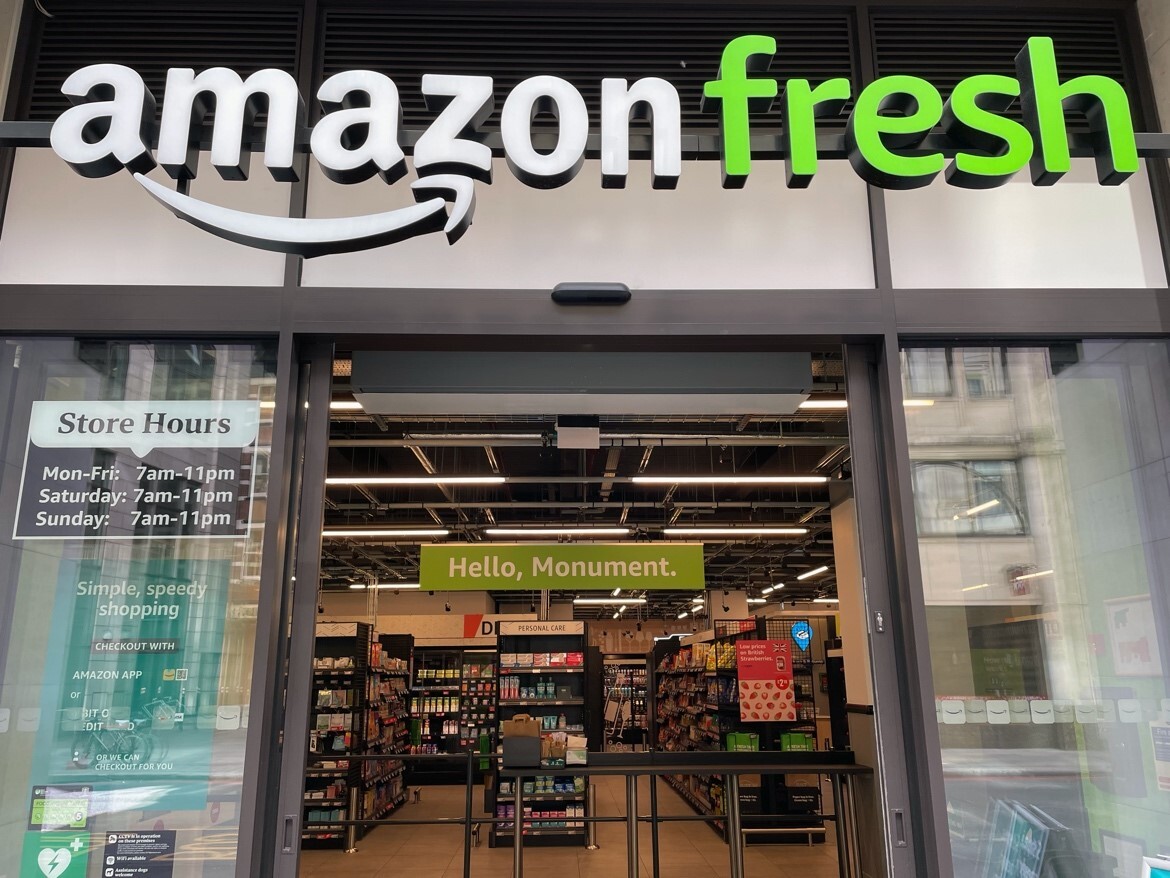
Furthermore, the term should not be confused with Amazon’s physical retail footprints, such as Amazon Fresh or the evolved iterations of Amazon Go. While those are physical locations, the Amazon Brand Store is a virtual asset. Finally, it differs from the "Amazon Influencer Storefront," which is a curated list of recommendations by third-party creators rather than the brand itself. This guide focuses exclusively on the Amazon Brand Store, the primary tool for brand-registered sellers to claim their own "real estate" on the platform.
Mandatory Prerequisites and Eligibility for 2026
Building an Amazon Store is not an immediate option for every seller. Amazon maintains strict entry requirements to ensure that Storefronts represent legitimate, verified brands.
Amazon Brand Registry 2.0
The absolute prerequisite for creating a store is enrollment in the Amazon Brand Registry. This process requires a registered and active text-based or image-based trademark. In 2026, Amazon continues to accept trademarks from specific government offices, including the United States Patent and Trademark Office (USPTO) and the European Union Intellectual Property Office (EUIPO).
Professional Seller Status
Only those with a Professional Seller Account, a Vendor account, or an Agency account can manage a store. Individual selling plans do not grant access to the Advertising Console, where the Store Builder resides.
Content Compliance
All stores must adhere to Amazon’s Creative Guidelines. This includes restrictions on promotional language (e.g., "Best Seller" or "Number 1"), claims that cannot be substantiated, and specific image resolution requirements to ensure a high-quality user experience across mobile and desktop devices.
The Strategic Value of a Branded Storefront
In the hyper-competitive marketplace of 2026, an Amazon Store is no longer a luxury; it is a strategic necessity. It serves several critical functions that a standard product listing cannot.
Defending Against Competitor Advertising
On a standard Product Detail Page, Amazon often displays "Products related to this item" or "Sponsored products related to this item," which are frequently advertisements for competitors. An Amazon Store is a contained environment. Once a shopper enters your store, the distractions from other brands are significantly reduced, as the space is dedicated entirely to your catalog.
Improving Brand Authority and Trust
Shoppers in 2026 are increasingly brand-conscious. A well-designed store with high-quality lifestyle imagery, video content, and a clear "About Us" section builds "social proof" and legitimacy. It transforms a brand from a mere "commodity seller" into a recognized entity, which often leads to higher conversion rates and repeat purchases.
Boosting Organic and Paid Search Synergy
Amazon Stores are indexed by external search engines like Google. By optimizing the meta-descriptions and page titles within the Store Builder, brands can capture organic traffic from outside Amazon. Internally, the Store acts as the primary landing page for Sponsored Brands ads. Driving traffic to a Store rather than a single product page often results in a higher "Units Per Order" (UPO) because customers are exposed to the full range of products.
The Technical Process: Navigating the Store Builder
The Amazon Store Builder is a "What You See Is What You Get" (WYSIWYG) editor located within the Amazon Advertising Console. It uses a tile-based system that requires no coding knowledge but demands a strong grasp of visual hierarchy.
Step 1: Setting the Store Settings
The process begins with uploading a high-resolution brand logo (minimum 400x400 pixels) and choosing a "Hero Image." The Hero Image is the banner that appears at the top of every page. In 2026, Amazon recommends using a "safe zone" for text in banners to ensure that the image scales correctly on mobile devices without cutting off vital information.
Step 2: Creating the Page Hierarchy
A store should be organized like a traditional e-commerce website. A typical high-performing structure includes:
- Home Page: Highlights new arrivals, best sellers, and the brand mission.
- Category Pages: Groups products by type (e.g., "Men’s Footwear," "Accessories").
- Deals Page: A dedicated tab for active coupons and discounts, which Amazon can auto-populate.
- Story Page: A narrative-focused page explaining the brand's origins or sustainability efforts.
Step 3: Utilizing Content Tiles
The Store Builder offers various tile types:
- Image Tiles: Static visuals that can link to specific pages or products.
- Video Tiles: Autoplay videos (background) or user-initiated videos with sound.
- Product Tiles: Dynamic tiles that pull pricing and "Prime" status directly from the ASIN.
- Shoppable Images: Images with "hotspots" that allow users to click on a specific item within a lifestyle photo to see product details immediately.
Performance Analysis via Store Insights
One of the most powerful features of the Amazon Store is the Store Insights dashboard. This tool provides data-driven visibility into how the storefront contributes to the overall business.
Key Metrics to Monitor
- Daily Visitors: The number of unique users who viewed one or more pages in your store.
- Views: The total number of page views. A high Views-to-Visitor ratio suggests that your navigation is effective and users are exploring multiple categories.
- Sales and Units: The total estimated sales and units generated by store visitors within 14 days of their visit.
- Orders: The total number of unique orders attributed to store visits.
Source Tags and Attribution
In 2026, the use of Source Tags is vital for multi-channel marketing. By appending a tag to your Store URL (e.g., ?channel=Instagram_Influencer), you can see exactly which external marketing efforts are driving the most profitable traffic. This allows brands to calculate the true Return on Ad Spend (ROAS) for social media campaigns that terminate on Amazon.
Comparison of Store Layout Modules
Selecting the right module for each page is critical for conversion. The following table compares the most common module types used in 2026.
| Module Type | Best Use Case | Key Advantage | Limitation |
|---|---|---|---|
| Hero Banner | Brand Identity | High visual impact; sets the tone. | Can push products too far down the fold. |
| Product Grid | Large Catalogs | Automates listing updates and pricing. | Less control over aesthetic styling. |
| Shoppable Image | Lifestyle Context | Connects "aspiration" to "purchase" instantly. | Requires high-quality, professional photography. |
| Video Module | Educational/Tech Products | Demonstrates complex features or assembly. | May slow down page load times on older devices. |
| Text Tile | SEO & Storytelling | Improves keyword indexing and brand trust. | Shoppers often skip heavy blocks of text. |
Advanced Strategies for 2026: AI and Personalization
As we progress through 2026, Amazon has integrated more artificial intelligence into the Store experience. Brands can now utilize Dynamic Content Widgets that show different products to different users based on their browsing history.
Predictive Merchandising
Instead of a static "Best Sellers" list, AI-driven widgets can now display "Recommended for You" sections within the Brand Store. This level of personalization, previously reserved for Amazon’s own homepage, is now accessible to brand owners, significantly increasing the relevance of the shopping experience.
Integration with Amazon Live
For brands that utilize Amazon Live, the Storefront serves as a permanent home for past livestreams. Highlighting a "Live" tile on the homepage can drive massive engagement during events like Prime Day or Black Friday, allowing brands to interact with customers in real-time within their own branded environment.
Common Pitfalls to Avoid
Despite the accessibility of the Store Builder, many brands fail to maximize their potential due to avoidable mistakes:
- Ignoring Mobile Optimization: Over 70% of Amazon shoppers use mobile devices. If a Store banner contains small text that is unreadable on a smartphone, the brand loses credibility and sales.
- Outdated Content: Leaving "Holiday Sale" banners up in February signals neglect. Stores should be updated at least quarterly to reflect seasonality and inventory changes.
- Broken Navigation: Every tile should have a logical destination. If a "Shop Now" button leads to an "Out of Stock" page or a generic search result, the customer journey is interrupted.
- Overcrowding: Trying to fit too many tiles on the homepage can lead to choice paralysis. A clean, white-space-focused design often converts better than a cluttered one.
Frequently Asked Questions
Does it cost money to create an Amazon Store?
No, creating and maintaining an Amazon Store is free for all brand-registered sellers and vendors. There are no monthly "rent" fees for the storefront itself. However, you must have a Professional Seller account, which carries its own monthly subscription fee, and any traffic you drive through Sponsored Brands ads will incur a cost-per-click (CPC) charge.
Can I have multiple Amazon Stores for one account?
You can have one Store per brand registered in the Amazon Brand Registry. If your account owns three different brands with three different trademarks, you can create three distinct Stores. You cannot, however, create multiple different Store versions for the same brand simultaneously, though you can schedule different versions to go live at specific times (e.g., a "Holiday Version").
How long does it take for a Store to be approved?
Amazon manually reviews every Store submission. This process typically takes 24 to 72 hours but can take longer during peak seasons like Q4. The review team checks for image quality, spelling errors, and compliance with Amazon Advertising Policies.
Will an Amazon Store improve my organic ranking?
While the Store itself doesn't directly change the "A10" search algorithm for individual keyword rankings, it indirectly helps. By driving traffic to the Store, you often increase total sales velocity and brand search volume. These metrics are significant signals to Amazon’s algorithm that your products are in demand, which can lead to improved organic placement over time.
Can I use my own domain for my Amazon Store?
No, the Store must exist on the Amazon domain. However, Amazon provides a shortened, "vanity" URL (e.g., amazon.com/yourbrand) that is clean and easy to use in marketing materials, social media bios, and print advertising.
Final Recommendation
For any brand serious about scaling on Amazon in 2026, the Amazon Store is the cornerstone of a sophisticated platform strategy. To succeed, begin by ensuring your Brand Registry is flawless, then focus on a mobile-first design that prioritizes lifestyle imagery and clear navigation. Use Source Tags to track every cent of external ad spend, and revisit your Store Insights weekly to identify which categories are underperforming. By treating your Amazon Store as a living retail destination rather than a "set-and-forget" project, you can build lasting customer loyalty in an increasingly crowded digital marketplace.